PDF Editor & Reader for Windows
Read, sign, merge, split, compress, convert and protect PDFs on your PC. Everything runs on this computer: your files never leave it. Free to download, Pro once - no subscription.
Download free for Windows 10 and 11
⬇ Download for Windows 10/11 (64-bit) ZIP, 99 MB
Unzip the folder anywhere (for example Documents) and run Pageport.exe. Windows may show “Windows protected your PC” the first time, because the app is new and not from the Microsoft Store: click More info, then Run anyway.
Free
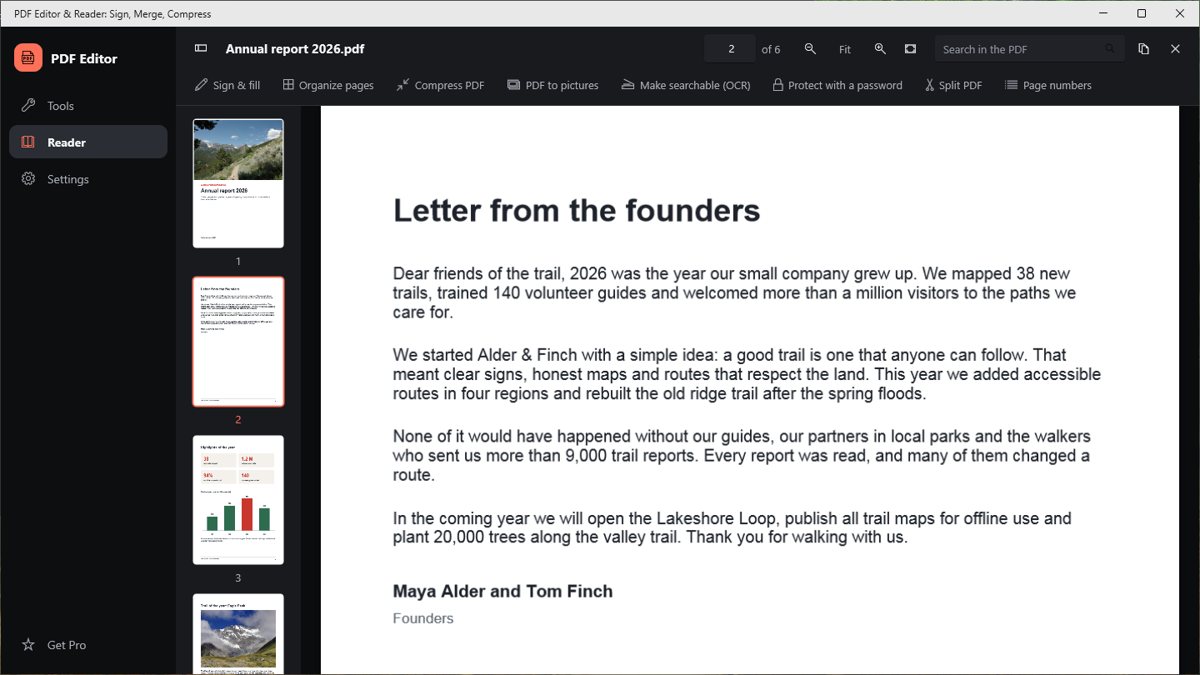
- Read PDFs, search the text, jump between pages
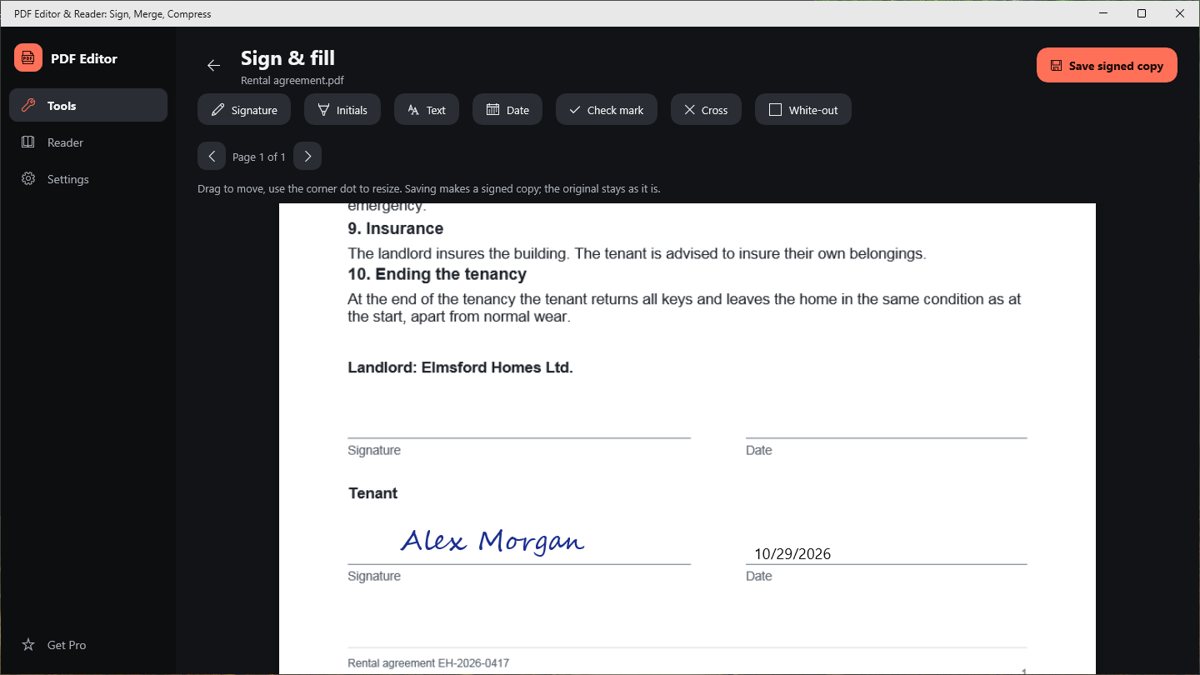
- Sign with a drawn or typed signature
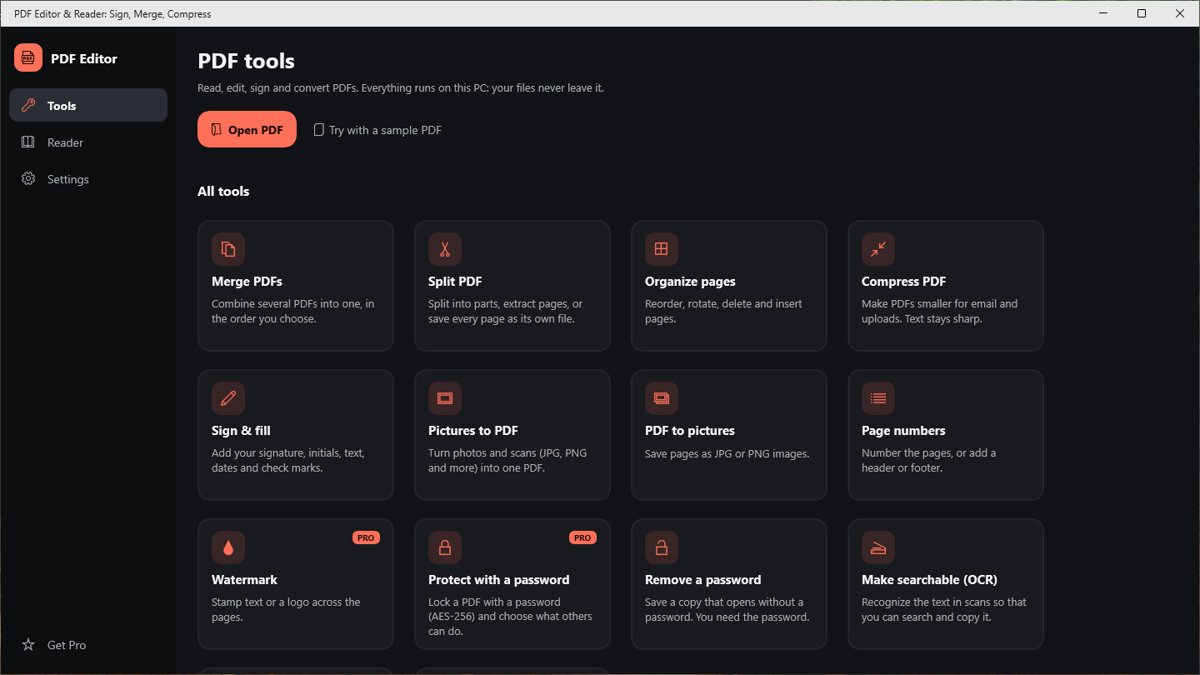
- Reorder, rotate, delete and extract pages; split files
- Add page numbers and text
- Remove a password you know
- Merge up to 3 PDFs, compress one file at a time
- Images to PDF (up to 10) and PDF to images (up to 10 pages, 150 dpi)
- Text recognition (OCR) on up to 3 pages
Pro - $24.99 once
- Merge, compress and convert without limits, in batches
- Protect PDFs with an AES-256 password
- Watermarks, headers and footers
- PDF to images up to 300 dpi, OCR on whole documents
- Every future update of version 1
One payment, no subscription, free updates of this version line. The licence key appears right after payment and is e-mailed to you. Lost your key?
Activate Pro
Open the app, choose Pro (the star), paste the key into the field under “Already bought Pro?” and press Activate. Pro then works offline on that PC.
Requirements
Windows 10 (version 1809 or newer) or Windows 11, 64-bit (x64; ARM PCs run it too).
Good to know
- Everything runs on your PC: files are never uploaded.
- One payment unlocks Pro on your computers for good; no account, no subscription.
- Card checkout by Whop; where Whop offers them in your country, also mobile money, crypto and bank transfer.