Until: Countdown for Windows
Count down to birthdays, trips, exams, launches and holidays, live to the second, with reminders that arrive even when the app is closed. Free to download, Pro once - no subscription.
Download free for Windows 10 and 11
⬇ Download for Windows 10/11 (64-bit) ZIP, 85 MB
Unzip the folder anywhere (for example Documents) and run Until.exe. Windows may show “Windows protected your PC” the first time, because the app is new and not from the Microsoft Store: click More info, then Run anyway.
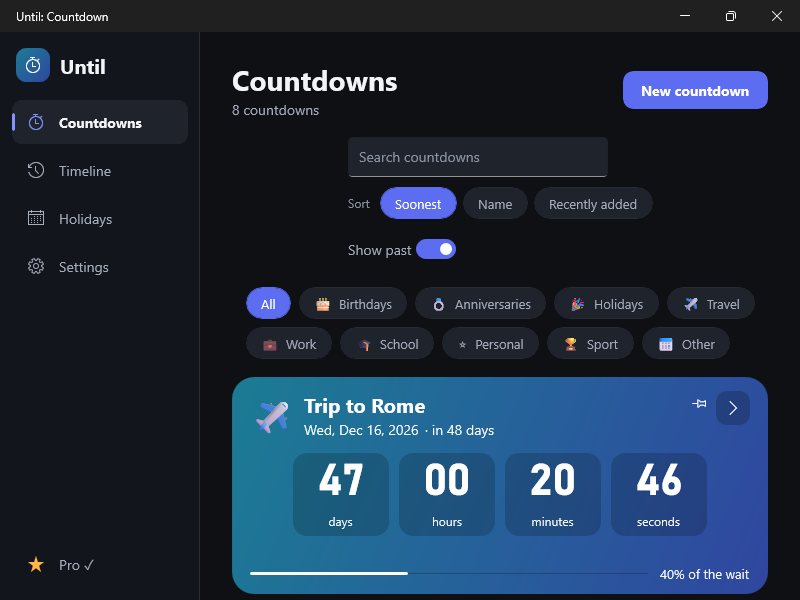
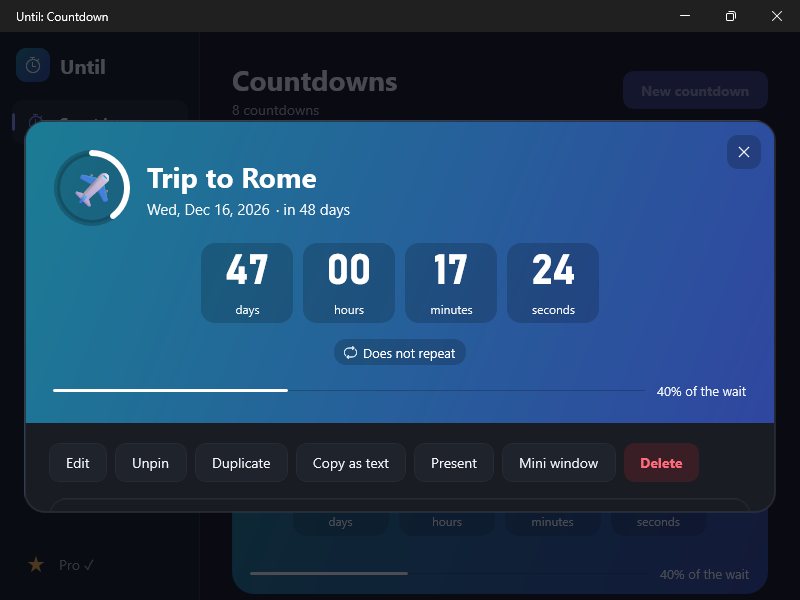
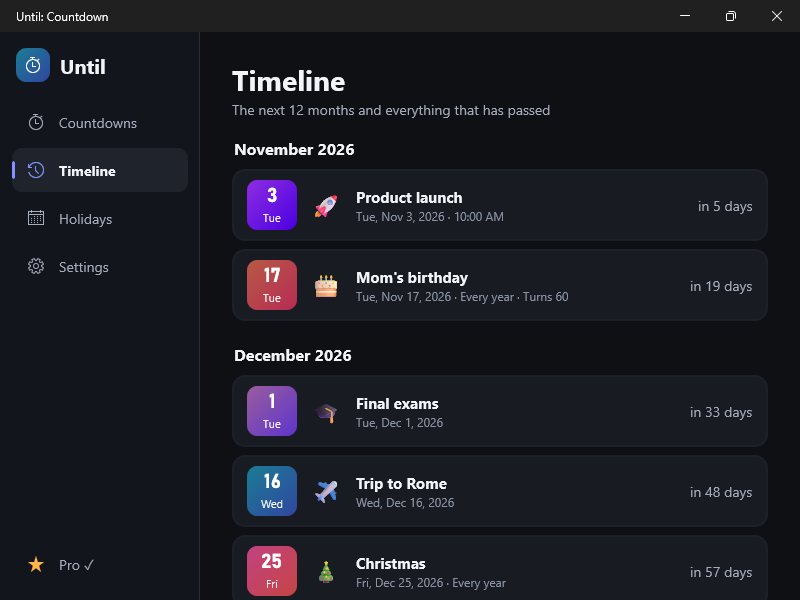
Free
- Up to 10 countdowns, live to the second
- A reminder for every countdown: on the day, 1 hour, 1 day, 3 days or 1 week before
- Holidays added in one click
- Timeline of the next 90 days
- Full-screen present view
Pro - $9.99 once
- Unlimited countdowns
- Several reminders per countdown, plus alarm-style reminders
- Always-on-top mini countdown window
- Your own photo as a countdown background
- Full timeline: 12 months ahead and past events
- Backup & restore and calendar (.ics) import/export
- Working days left (Mon-Fri) on every countdown
- Every future update of version 1
One payment, no subscription, free updates of this version line. The licence key appears right after payment and is e-mailed to you. Lost your key?
Activate Pro
Open the app, choose Pro (the star), paste the key into the field under “Already bought Pro?” and press Activate. Pro then works offline on that PC.
Requirements
Windows 10 (version 1809 or newer) or Windows 11, 64-bit (x64; ARM PCs run it too).
Good to know
- Everything runs on your PC: files are never uploaded.
- One payment unlocks Pro on your computers for good; no account, no subscription.
- Card checkout by Whop; where Whop offers them in your country, also mobile money, crypto and bank transfer.